Free try-out
View your own IFC model on site or in the workshop, no account needed.
Upload your IFC file and it opens straight in the viewer, on a tablet, a phone or a screen in the workshop. It is free, you need no account, and your file is kept for 7 days and processed in Belgium.
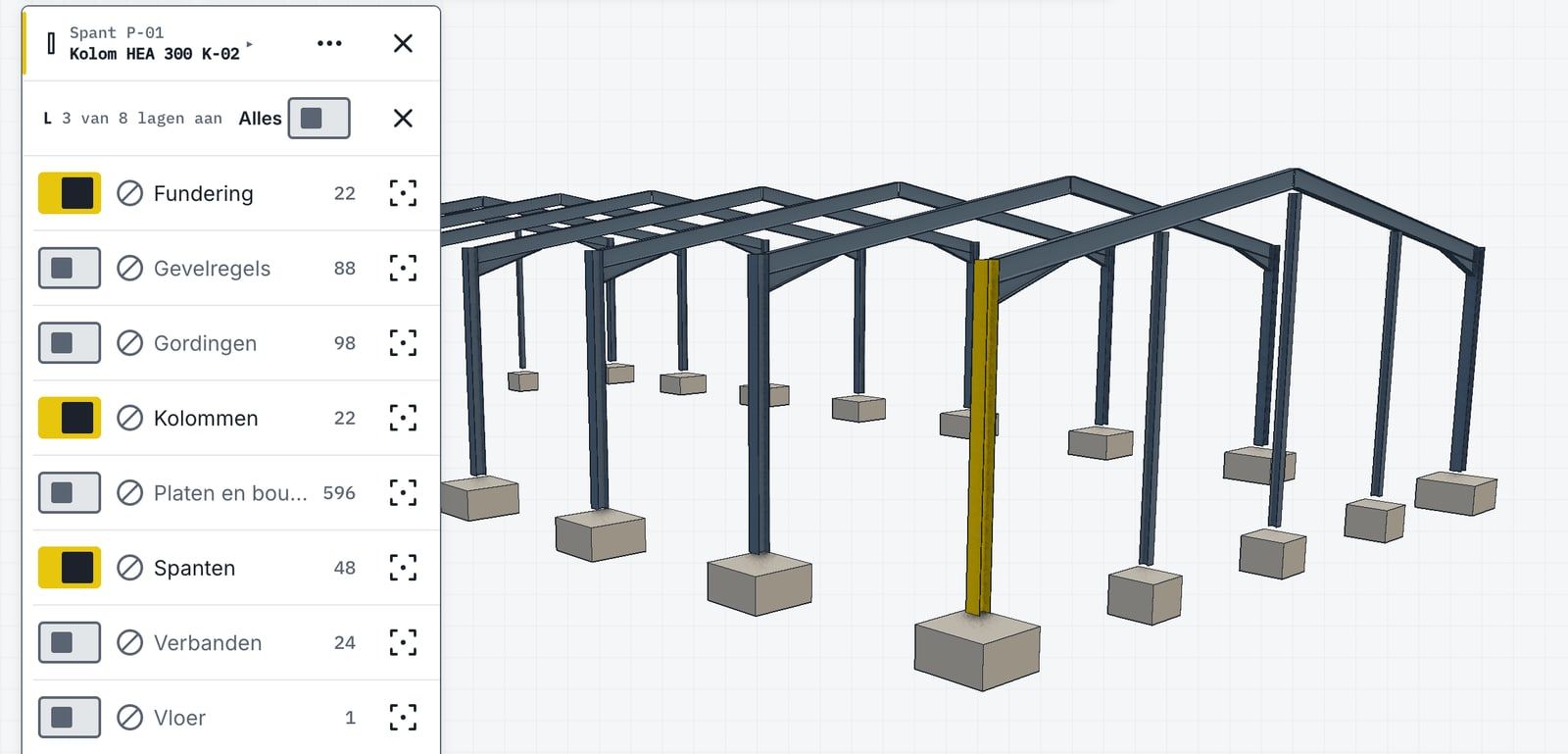
No IFC to hand? Open a sample model.
Three models we drew ourselves, each for a different trade. They open in the same viewer as your own file.
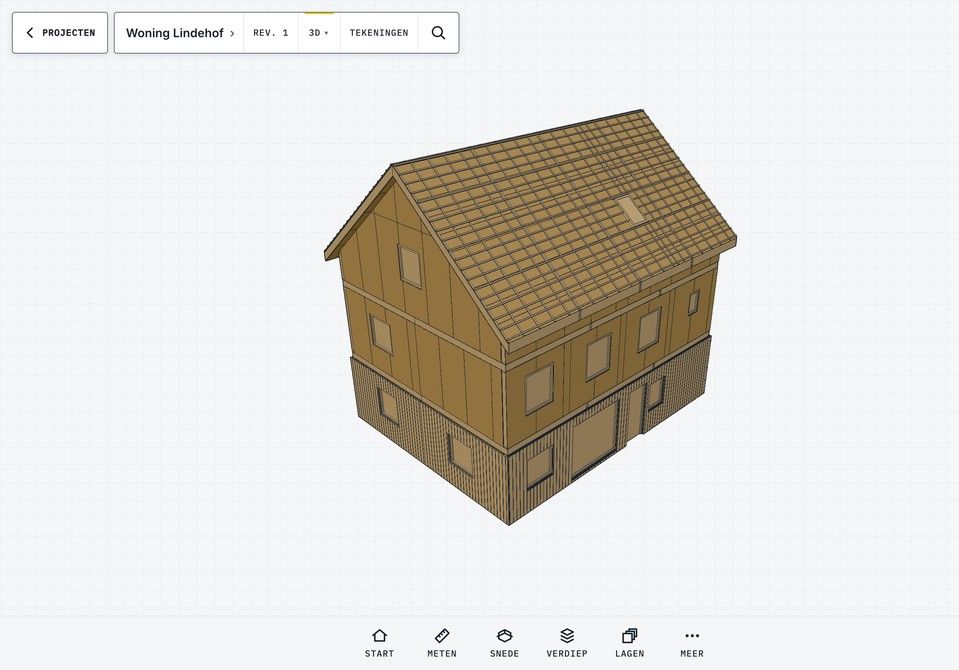
- Sample modelWoning LindehofA family house in timber frame, built from prefabricated wall panels. For timber frame and prefab builders.Open the sample
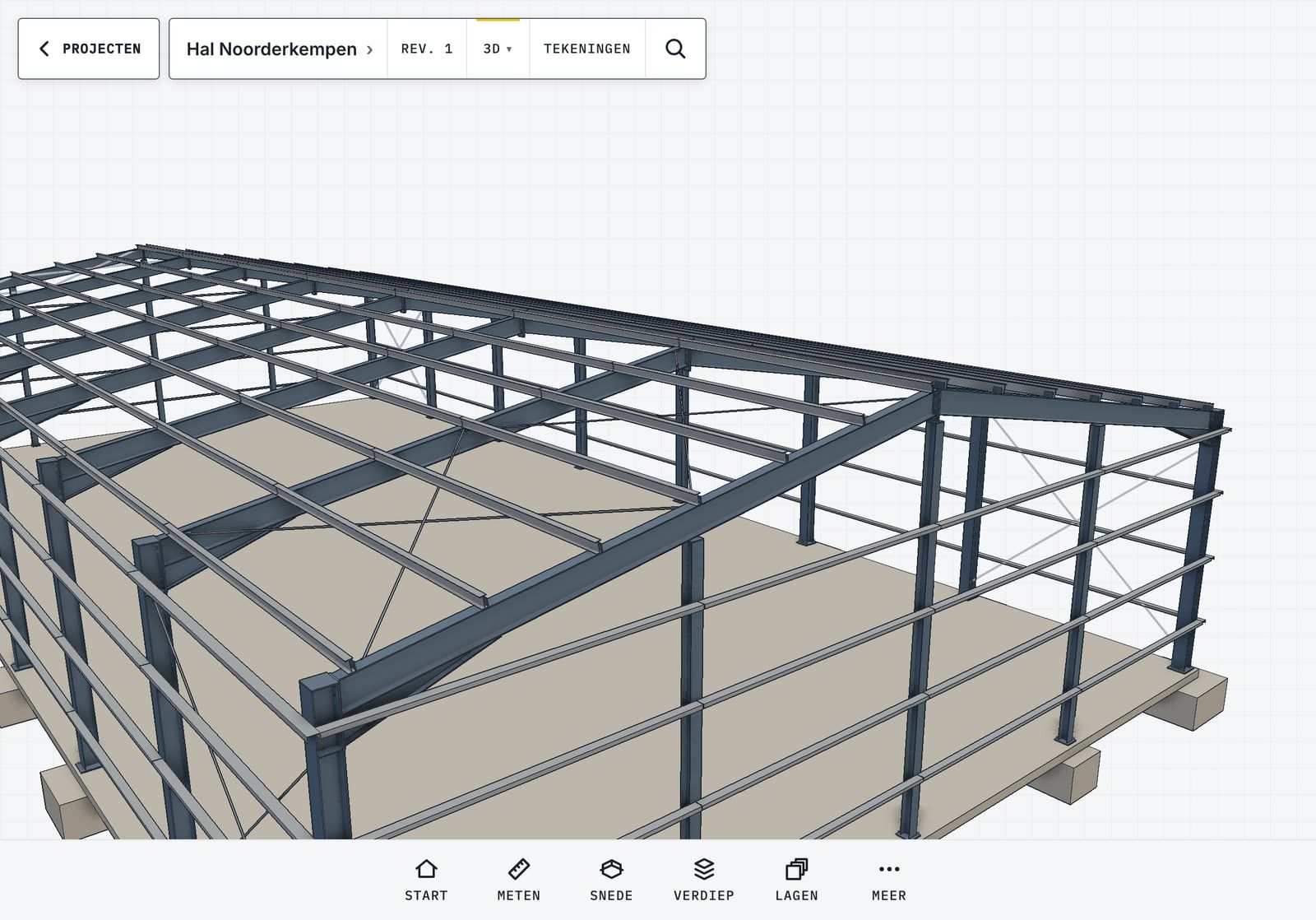
- Sample modelHal NoorderkempenA steel hall with portal frames, purlins and bracing. For the steel fabricator.Open the sample
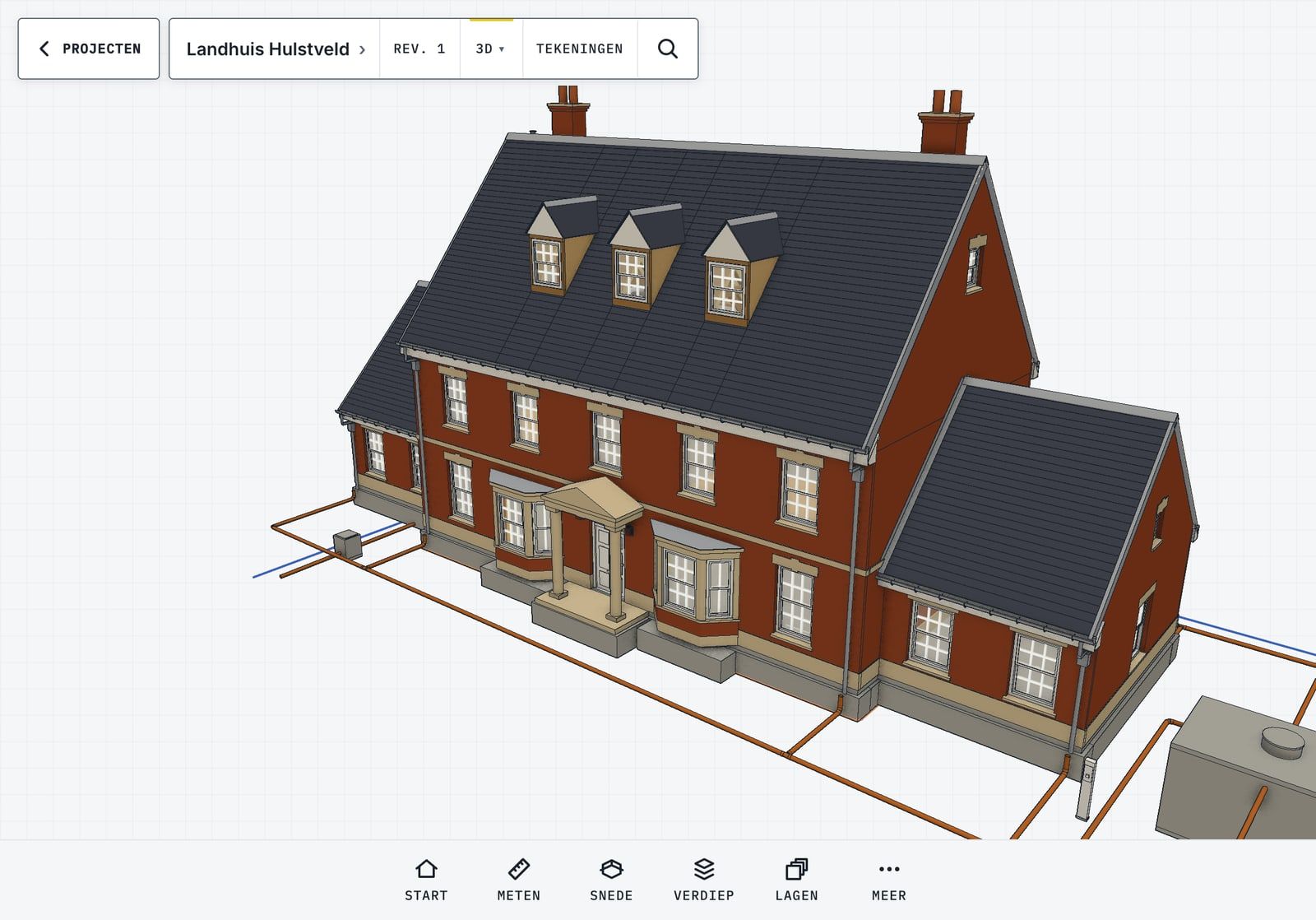
- Sample modelLandhuis HulstveldA country house in brickwork, with a slate roof and the building services inside. For the structural contractor, the roofer and the installer.Open the sample
How the try-out works
Your file
Choose your IFC file
An IFC or an IFCZIP up to 100 MB, straight from your CAD package or from the drawing office’s email. No account, nothing to install.
In the browser
Look at the model
The model opens in the viewer. Switch layers on and off, turn around the part you are after and take a dimension yourself.
Your crew
Share it with your crew
Pass the link on. Your crew opens the same model on a tablet or a phone, without an account either. The link stays valid for 7 days.
What happens to your file
- File
- IFC or IFCZIP, up to 100 MB.
- Kept
- 7 days. Then we delete the file and the link stops working.
- Processed
- In Belgium.
- Account
- Not needed. You do not sign up anywhere.
- Who sees it
- Anyone with the link. Only share it with people who may see the model.